PRIMARY
cdn.fiatnorm.us.kg:443OPTIMIZED CLOUDFLARE EDGE
A compact set of preferred hosts and optimized edge IPs.
Port restriction: these hosts are available on port 443 only. Specify :443 in your client or proxy configuration.
PREFERRED HOSTS
cdn.fiatnorm.us.kg:443*.cdn.fiatnorm.us.kg:443TCPTEST RESULT
Connectivity snapshot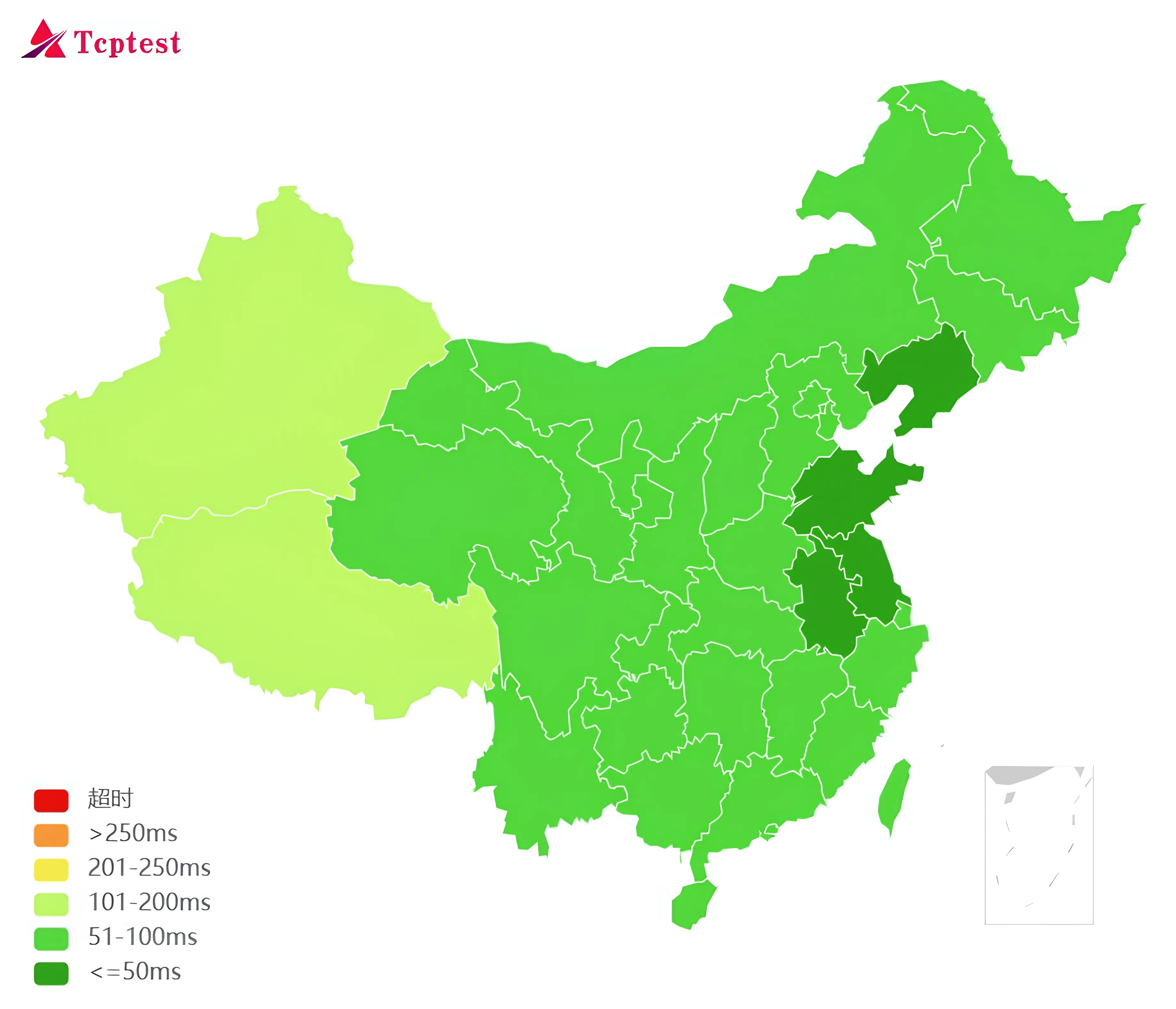
EDGE SELECTION
Loading nodes…
| IP:PORT | COUNTRY | COLO | LATENCY | LOSS | DOWNLOAD | SCORE |
|---|
NETWORK OVERVIEW
Copy an IP:443 entry into your client, then use the preferred host as the SNI or Host value.
QUICK SETUP
Select an IP:443 entry with the best latency or download result.
Use cdn.fiatnorm.us.kg as the preferred host value.
Run TCP Test and keep the client port fixed at 443.